Tools
The Tools section contains utility features that help you manage and expand your Barnacle Bucks experience.
From here you can manage your family's Chore Library and set up additional Child Devices.
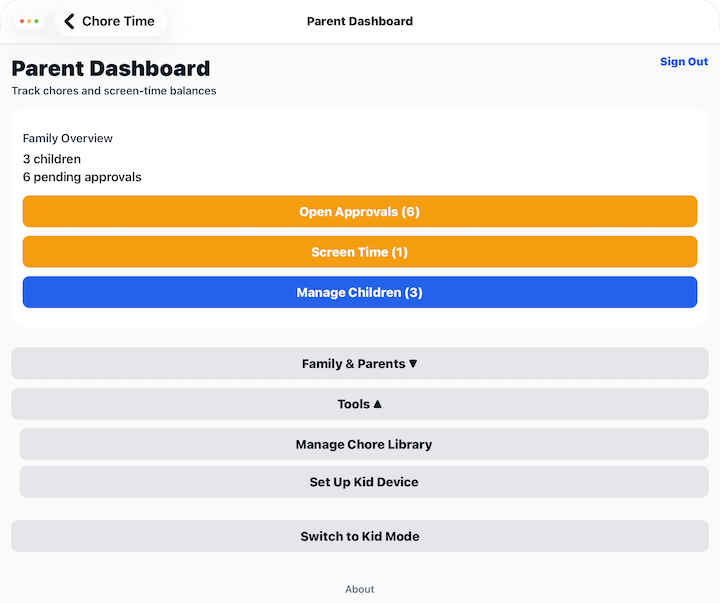
Manage Chore Library
Select Manage Chore Library to view and manage the collection of chores available to your family.
From there you can:
- Browse the built-in chore library.
- Create custom chores.
- Edit your custom chores.
- Delete custom chores you no longer need.
See Manage Chore Library for detailed instructions.
Set Up Child Device
Select Set Up Child Device to connect another phone or tablet for your children to use.
Each Child Device connects securely to your family using a setup code generated from a Parent Device.
Once connected, children can:
- Log in with their Child PIN.
- View assigned chores.
- Submit completed chores.
- Redeem earned screen time.
See Set Up Child Device for detailed instructions.
Tips
- Create custom chores to match your family's routines and responsibilities.
- You only need to set up a Child Device if your children will be using their own phone or tablet.
- A family can have one shared Child Device or multiple Child Devices, one for each child.